
How to get a Los Angeles phone number for business
Short answer: You can get a Los Angeles phone number quickly by choosing a provider that offers local Los Angeles area codes, verifying required business details, and configuring call routing so calls ring to mobile phones or voicemails.
A local LA number helps small businesses appear local, improves trust with customers, and can work alongside a toll-free number for broader reach. Below are practical steps and checklist items to get a working number and set it up correctly.
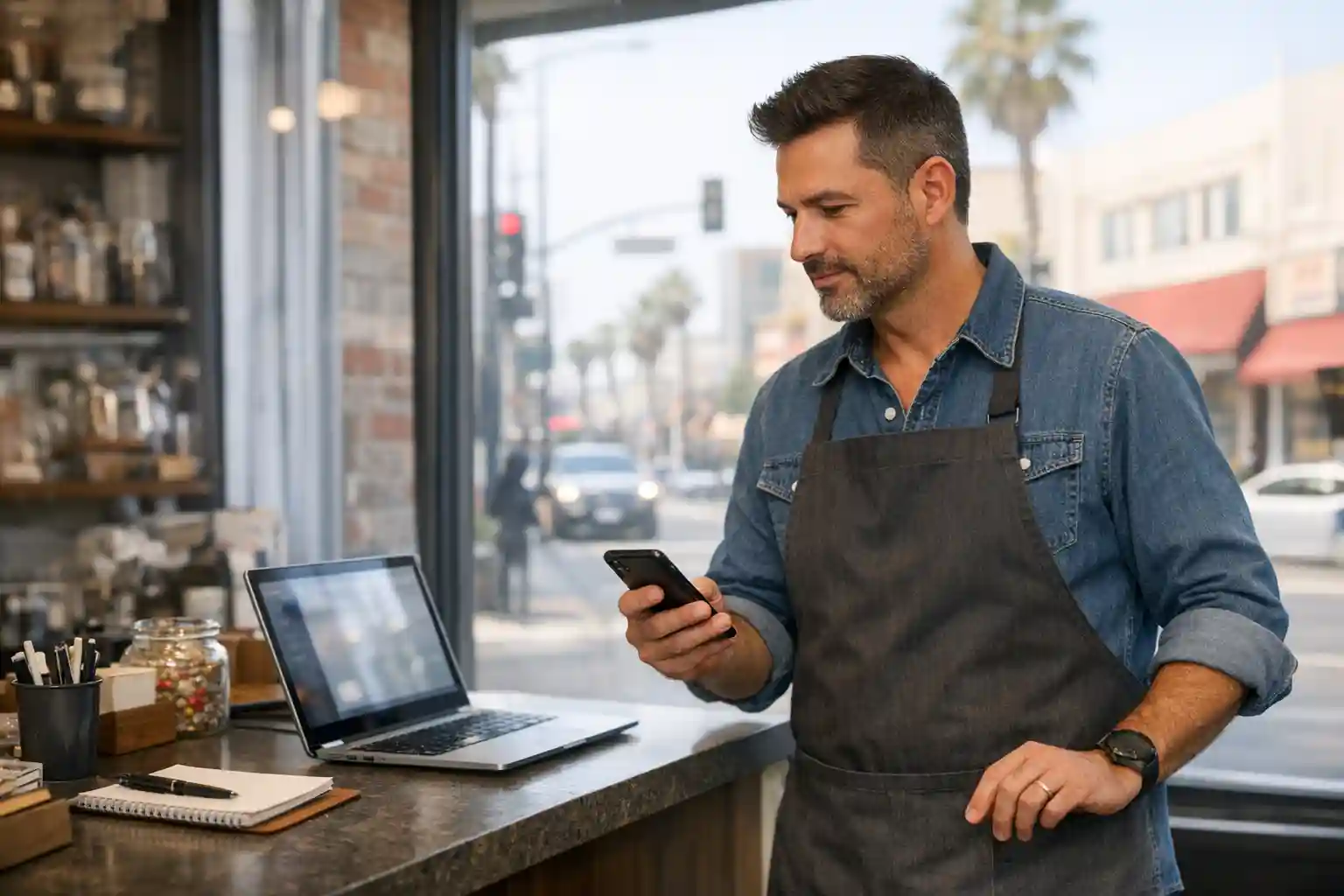
Why a Los Angeles number matters for small businesses
🟦 Local presence: A Los Angeles area code signals local service and can increase callback rates.
🟦 Local call routing: Route LA calls to specific staff, a mobile phone, or voicemail depending on business hours.
🟦 Branding flexibility: Use a local number for neighborhood customers and a toll-free number for national marketing.
You can use both approaches together — and if you want more on toll-free vs local choices, see Why should I use a toll-free number?
Quick table: Local vs toll-free at a glance
| Number type | When to use | Best for |
|---|---|---|
| Local (Los Angeles area code) | Targeting LA neighborhoods, local SEO, storefront listings | Brick-and-mortar shops, local services |
| Toll-free | National advertising, support lines | Online stores, national service lines |
Practical steps to get a Los Angeles phone number
Follow these straightforward steps. Many modern providers let you finish setup in minutes.
🟦 Choose a provider that offers Los Angeles local numbers and supports forwarding to mobile phones.
🟦 Pick an area code (213, 310, 323, 424, etc.) that fits your target neighborhood.
🟦 Decide whether you also want a toll-free number for national reach.
🟦 Gather business contact details and identification the provider may require for registration.
Checklist: what to have ready
✔️ Business name (as you want it to appear in caller ID)
✔️ A contact mobile phone number where calls will ring
✔️ Email for account setup and SMS registration (if you plan to text customers)
✔️ Any existing number you want to port in (porting is commonly supported for free)
Setting up call routing and basic features
🟦 Forward incoming Los Angeles calls to a mobile phone so you never miss a lead.
🟦 Use a simple menu (press 1 for sales, 2 for support) if you want to direct calls to different people.
🟦 Add voicemail with custom greetings and visual voicemail so messages appear in an app or email.
🟦 Consider extensions if you have multiple team members or departments.

Texting, MMS, and compliance you should know
Short, important notes about business SMS and MMS:
🟦 All business texting usually requires registration with a third-party regulator — plan for a registration fee when you enable texting.
🟦 MMS (image texting) uses more bandwidth; some providers count image texts as multiple credits (for example, image texts may consume more credits than a standard SMS).
🟦 If you rely on texting for customer service or marketing, confirm whether the provider supports MMS and what the credit model looks like.
Choosing the right provider (practical criteria)
Use these factors to compare vendors without getting distracted by marketing jargon.
🟦 Local-number availability in Los Angeles area codes.
🟦 Call forwarding to mobile phones and easy setup (online wizard or live help).
🟦 Texting and MMS support plus transparent registration fees.
🟦 Simple options for menus, extensions, voicemail, and call screening.
🟦 Porting policy (free porting is ideal) and a short satisfaction guarantee period.
Many small businesses prefer providers that combine ease of use with live setup assistance and a free local or toll-free number to start. Officetree is one example of a provider that offers local and toll-free numbers, ringing to mobile phones, free setup help, and free porting — useful features to look for when you compare plans.
Common setup examples for small LA businesses
| Business type | Recommended number | Routing suggestion |
|---|---|---|
| Coffee shop | Local LA number | Ring to owner’s mobile during hours, voicemail after-hours |
| Salon | Local LA number + booking line | Menu for appointments vs walk-ins, voicemail per stylist |
| Online retailer | Toll-free + local support | Toll-free for checkout, local for returns/dropoffs |

Final tips and next steps
Start with a single Los Angeles number to test local response and expand if demand grows.
Keep business hours and greetings clear; add a short message for holidays.
Track calls and texts for a few weeks and adjust routing or numbers based on where most leads come from.
✔️ If you want a fast, low-cost way to project a professional phone presence in Los Angeles, look for providers that support local LA numbers, simple mobile forwarding, and live setup help.
If you need help comparing features or confirming texting/MMS rules, contact a provider that publishes clear details on registration fees and MMS credit usage before you sign up.